
Scheduling, time off and pay, built for fire departments.
One schedule engine drives the calendar, the Pay Tracker, the calendar feed and the payroll file, so they always agree with each other.

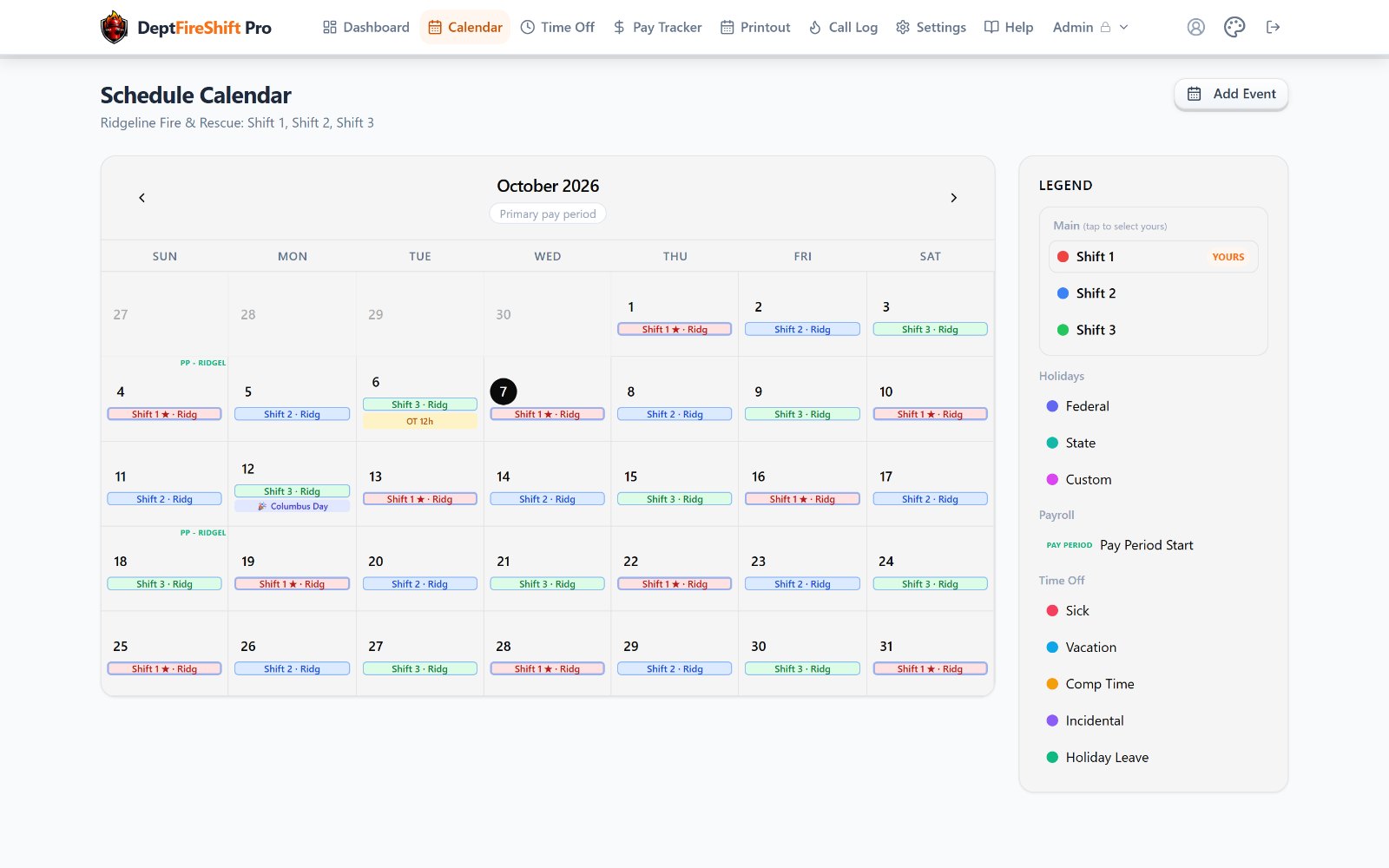
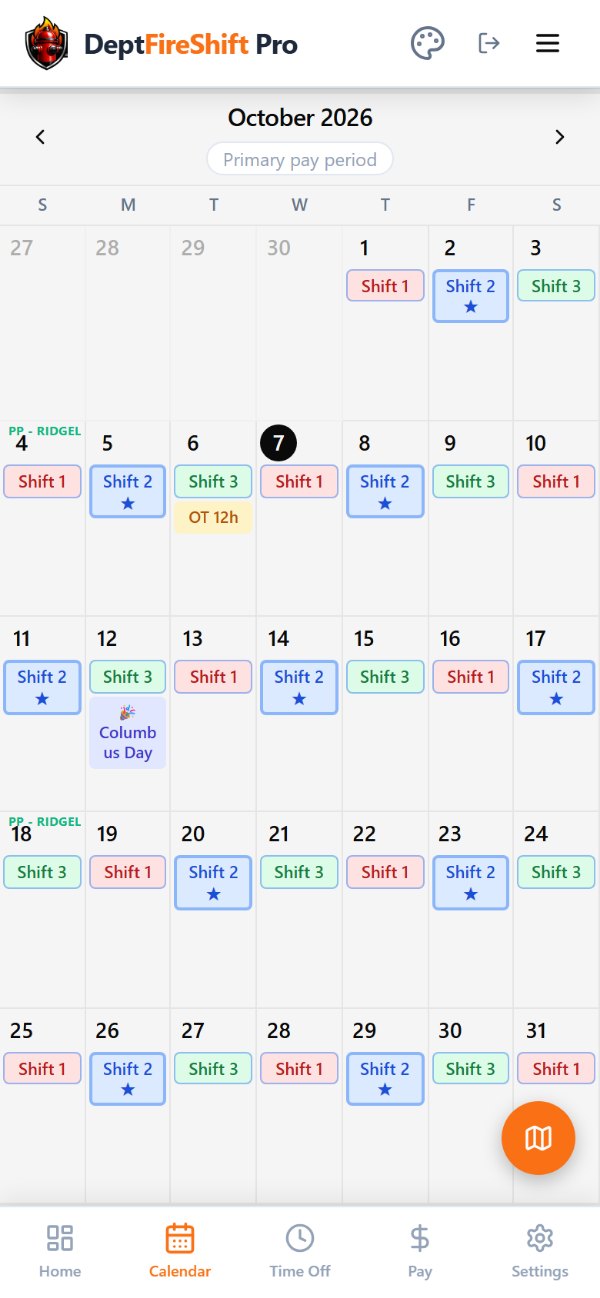
Your rotation, exactly as you run it.
Set the department's pattern once. Each member picks their crew, and the calendar, feed and payroll follow.
More than one pattern
Add patterns for staff who work differently, like office hours with weekdays, start and end times and an unpaid lunch.
Changes don't rewrite the past
Pattern and shift-time changes take effect on the effective date. Earlier pay periods keep the schedule they were worked on.
Swaps both sides confirm
A shift swap counts once both members have confirmed it, and shows on both calendars.
Printable schedule
A clean printout of the month for the station wall.

Pay configurations made simple.
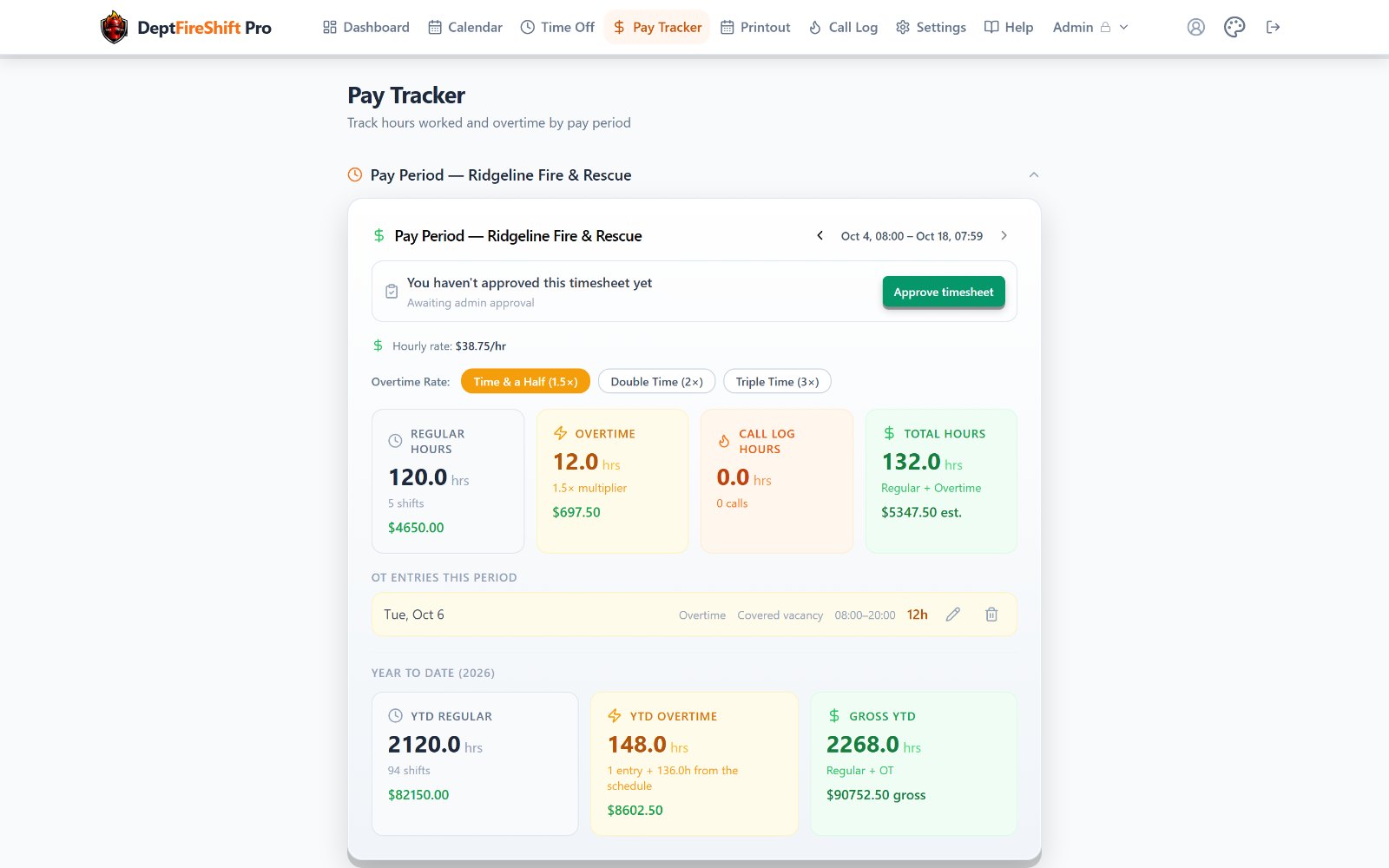
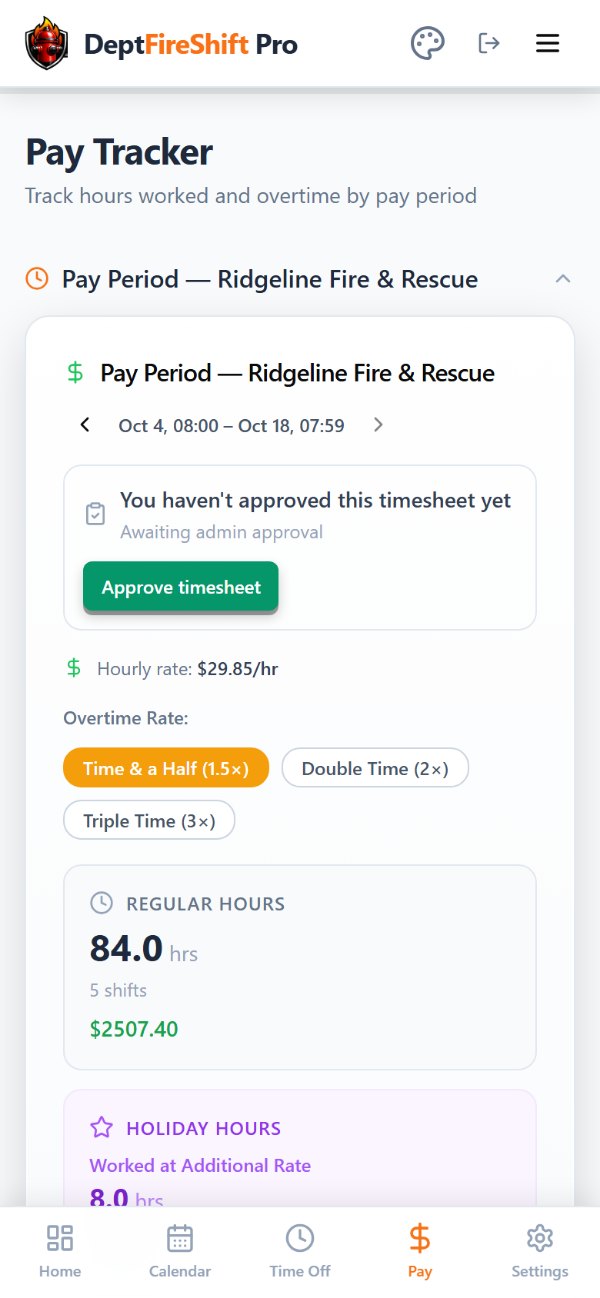
Set the department's pay period, overtime and holiday rules once. Every member's Pay Tracker and the payroll file use the same calculation.
Rate history
Every rate has an effective date. A past period is paid at the rate in effect then, not today's.
Steps and COLAs
Scheduled step increases and cost-of-living raises apply on their dates after an admin approves them, and can be reverted cleanly.
FLSA 7(k) overtime
Built-in overtime if applicable, plus overtime past 40 hours a week for office staff.
Pay codes
Time-and-a-half, double time, callback minimums and shift differentials, defined by your admins.
Holiday pay
Federal and state holidays are automatic. Add your own, set custom holiday rates, and pay in cash, banked leave, or both.
Stipends and call pay
Admin-defined stipend codes set the rate and wait for approval. Volunteer calls from the Call Log are paid in the same period.

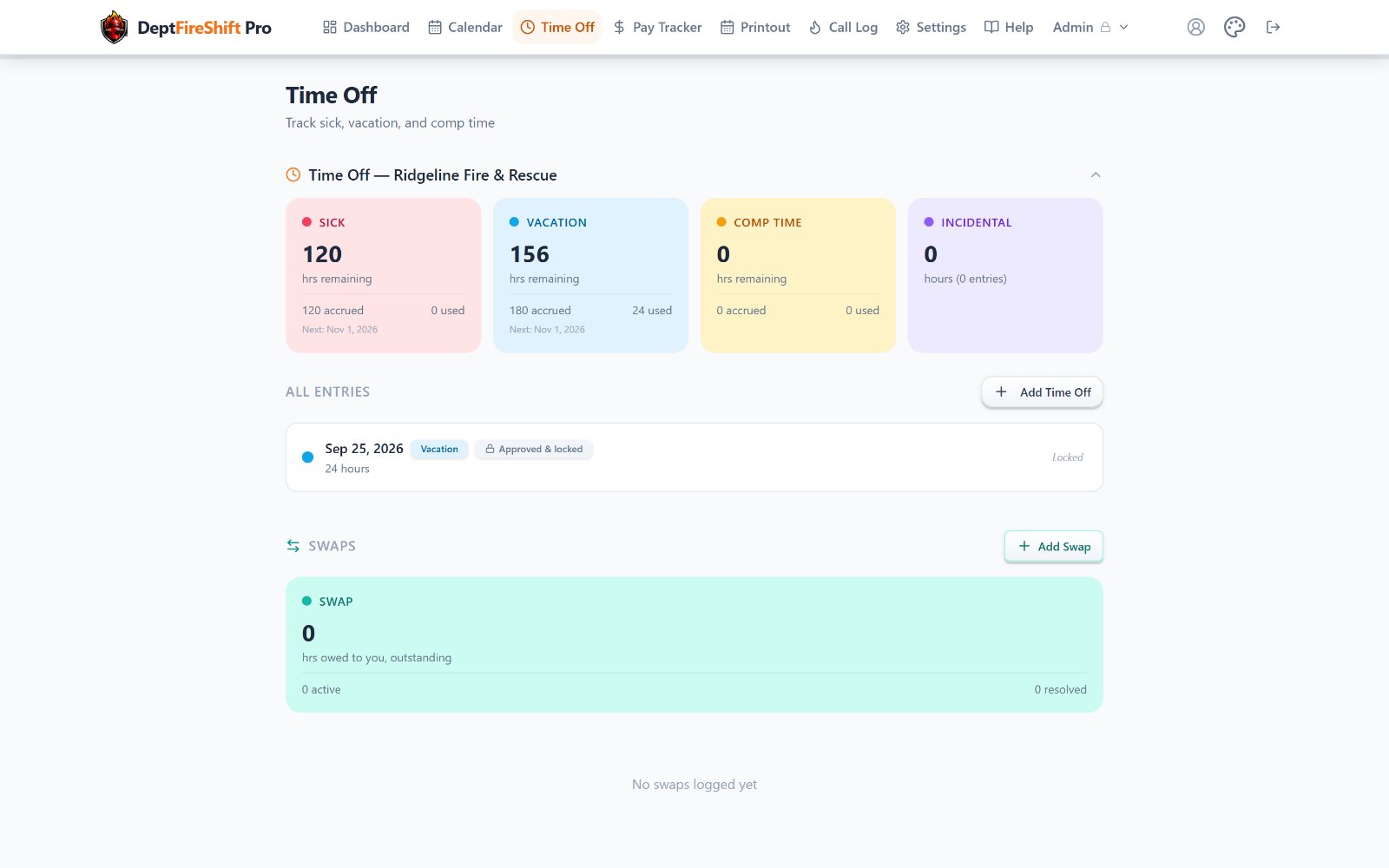
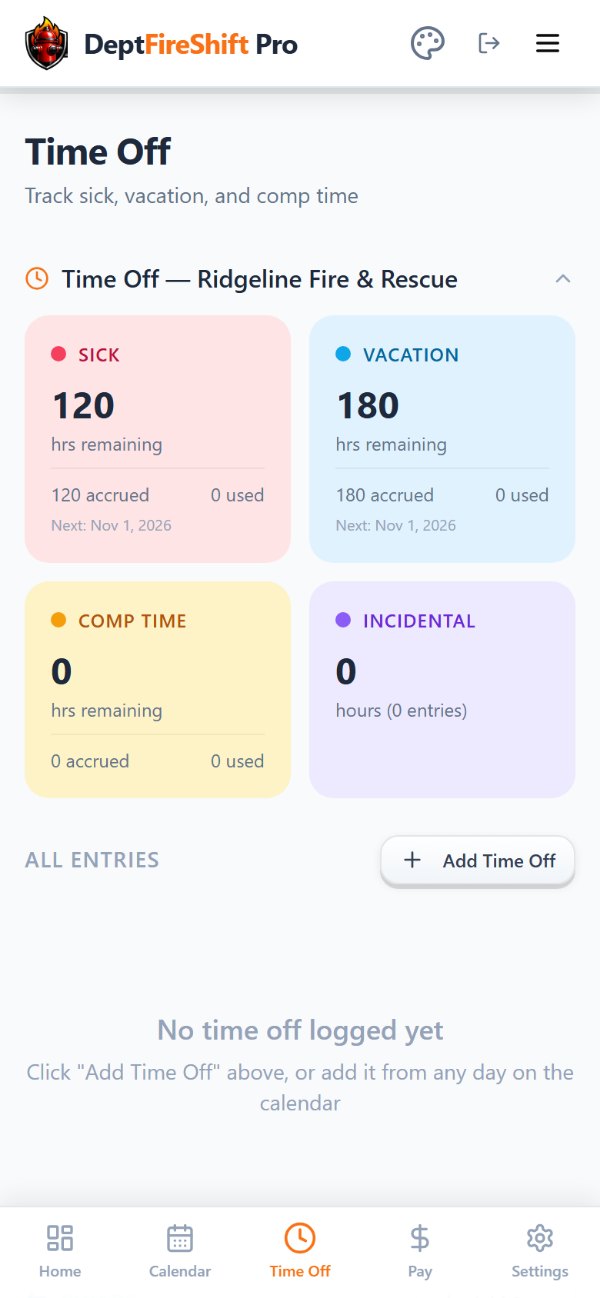
Easy time off tracking.
Members log time off from the calendar or the Time Off page. Balances update as they go.
Five kinds of leave
Sick, vacation, comp time, incidental and banked holiday leave, each with its own color on the calendar.
Accruals with history
Accrual rates change on a date without recalculating the past. Changes go to an admin for review.
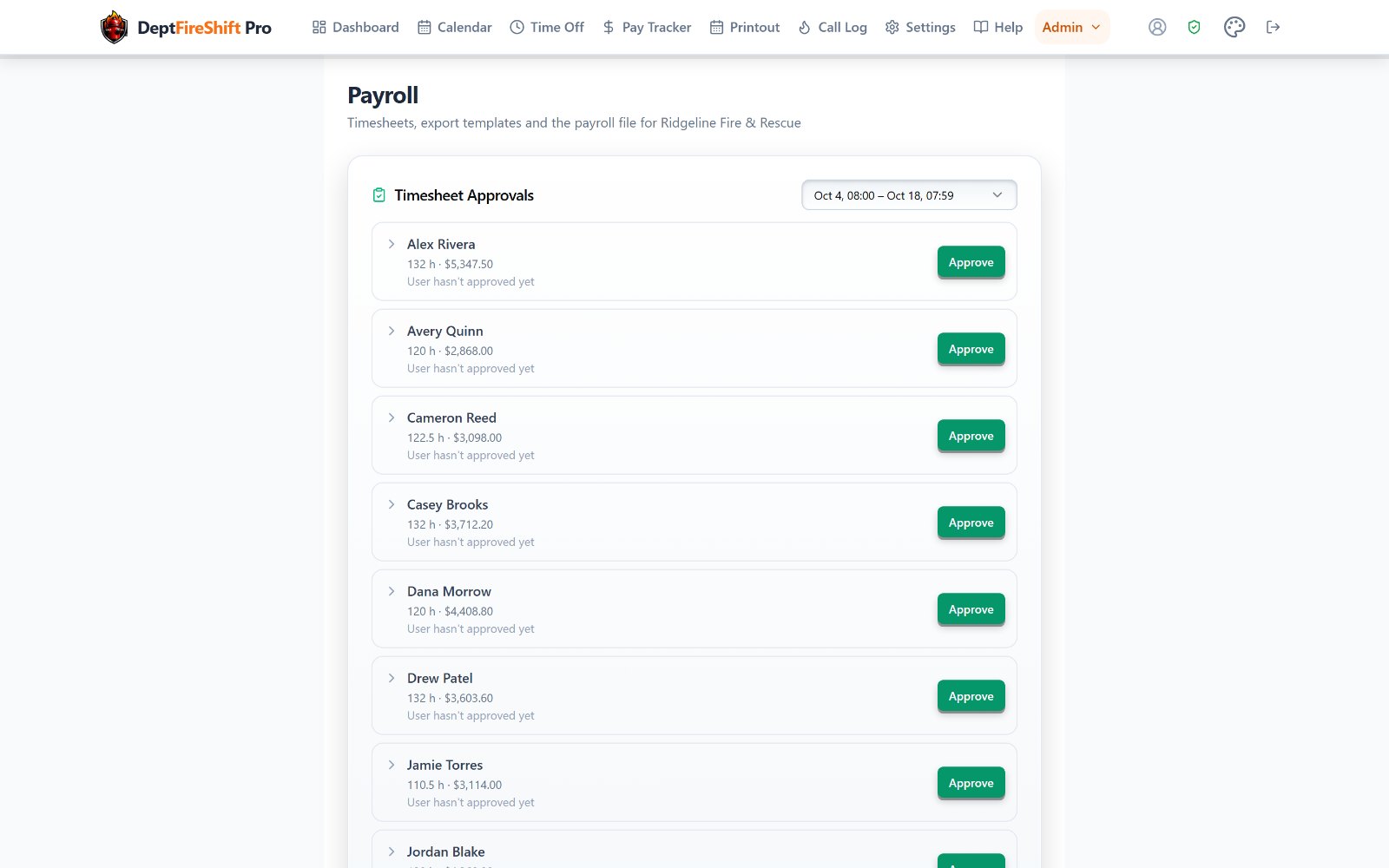
Approve, lock, export.
The payroll file is built from your payroll system's own import template, so it matches what your system expects.
Building your payroll file
- Upload a template or sample file from your payroll system.
- Match its columns to employee, hours, earnings codes and dates.
- Map each of your pay codes to the vendor's earnings code, and add each member's payroll ID.
- Preview the file line by line, checked against the Pay Tracker.
- Run a test import in your payroll system, then mark the template verified.
Timesheet approval
Approving a period locks its entries. A member can reopen their own until the period ends; after that, only an admin can.
One approvals queue
Rate changes, steps, stipends and accrual changes wait in Pay Approvals for an admin.
The department owns the account.
When a Chief retires or moves on, the department and its records stay. The seat simply changes hands.
Chief handoff
Offer the Chief seat by email. Nothing changes until the new Chief accepts.
Co-admins
Share scheduling, invites and approvals. One co-admin can also manage billing.
Invite in bulk
Invite one person or a whole roster from a spreadsheet, with grade and hire date.
Audit log
Role changes, approvals, rate changes and removals are recorded with who did them and when.
Useful to the crew, not just the office.

Calendar feed
Subscribe once in Google, Apple or Outlook calendar and shifts stay current.

Secondary Departments
Track a second job or a volunteer company privately. The department's admins never see it.

AI assistant
Ask about shifts, balances and pay. Anything it would change waits for a confirm tap.
Setup Guide
A checklist for admins and for members that ticks itself off as each step is done.
Try it with your department for 30 days.
$2.50 per member per month after the trial. Every feature is included.